
Print can’t keep up
A physical book can take weeks to arrive. A digital edition reaches your reader in moments, wherever they are.
KITABOOeReader360
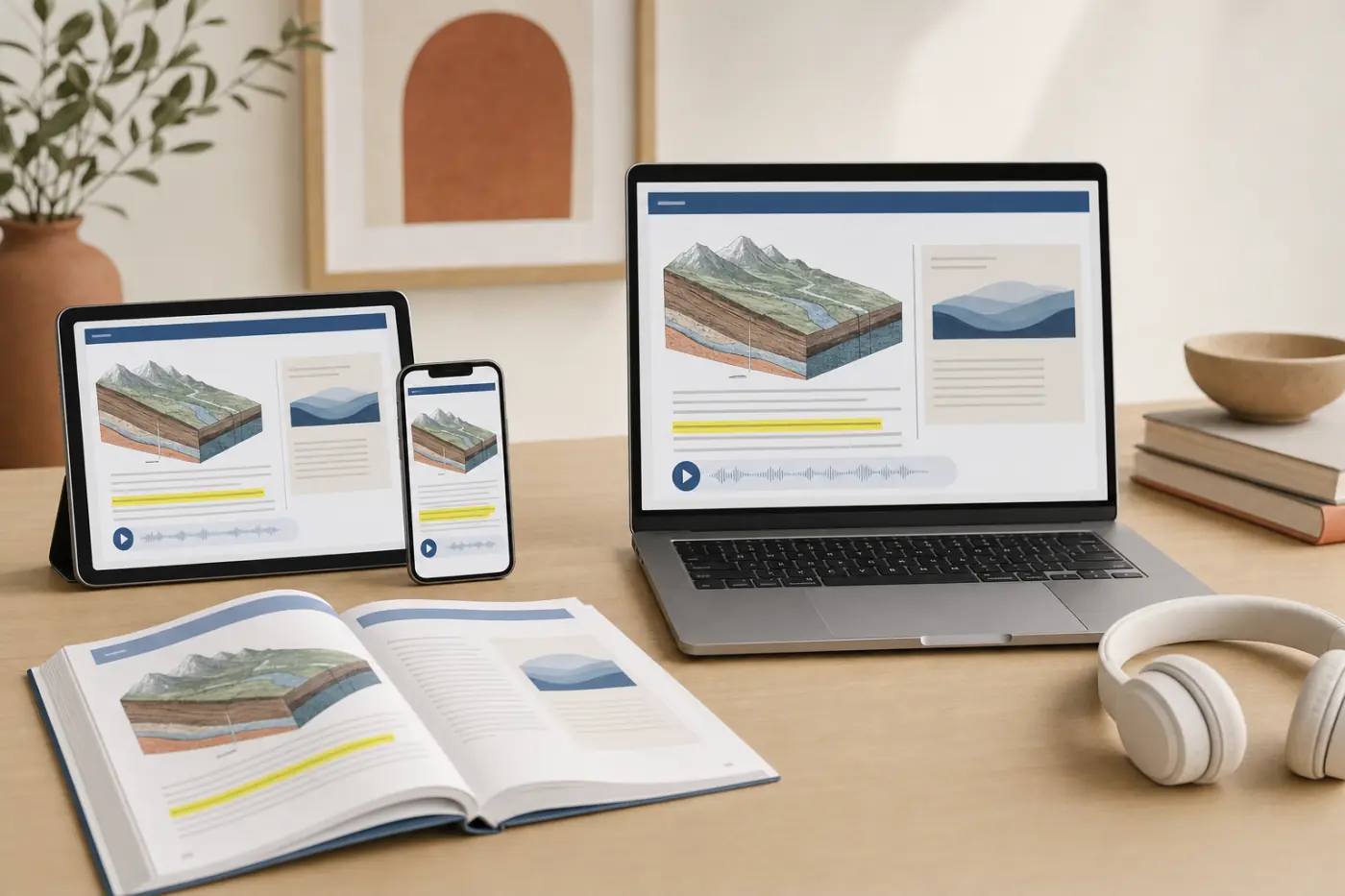
KITABOO eReader360 brings the KITABOO Reader and KITABOO Studio together. Upload your content, enrich it and deliver secure eBooks on any device, OS or browser, with your brand on them.
Readers change the text size and the font, and the page follows. They can highlight as they go. It works from any device, OS or browser, or in the app.
Chapter 3 · How rivers shape the land
A river starts small, often as a stream high in the hills. As it flows downhill it picks up soil and small stones. These carve a deeper channel, year after year. Where the land flattens, the river slows and drops what it carries. Over time, this builds the rich plains where people farm.
Tap a sentence to highlight it.
Read-aloud lets readers listen to the page and keep their place in the text.
Chapter 3 · How rivers shape the land
A river starts small, often as a stream high in the hills. As it flows downhill it picks up soil and small stones. These carve a deeper channel, year after year. Where the land flattens, the river slows and drops what it carries. Over time, this builds the rich plains where people farm.
Readers download a title and carry on without a connection. Offline copies stay encrypted on the device, under a license with an expiry you set.
Chapter 3 · How rivers shape the land
A river starts small, often as a stream high in the hills. As it flows downhill it picks up soil and small stones. These carve a deeper channel, year after year.
128-bit encryption protects every copy. Licenses bind to named readers and a device count, and you can revoke one after delivery. Try it.
Chapter 3 · How rivers shape the land
A river starts small, often as a stream high in the hills. As it flows downhill it picks up soil and small stones.
Studio is a cloud-hosted, self-serve admin tool to create and distribute digital content. Your team runs it without technical knowledge.
Northstar Science, Grade 6 · uploaded
Example data. Northstar Books is a made-up publisher.















 Illustrative image
A physical book can take weeks to arrive. A digital edition reaches your reader in moments, wherever they are.
A plain PDF can be copied and passed around. DRM keeps your content with the readers who should have it.
Without usage data you are guessing. Analytics show you how readers use your titles, so you can grow engagement and revenue.
eReader360 is the reading experience your readers see and the admin tool your team runs.
In their own words
What publishers say about the KITABOO platform.
G24.4/5
“KITABOO has been instrumental in helping us achieve our business goals by enabling a rapid market entry for our product. It was the only e-reader solution that could fully meet our demanding requirements.”
Explore new opportunities with interactive digital publishing and connect with your target audience on their favorite devices.
Read-aloud support for the titles and readers that need it.
Download a title and read without a connection. Offline reading stays encrypted on the device.
An intuitive interface that makes sense from the very first time. No technical knowledge needed.
Multilingual support, right-to-left reading and customized offline apps.
KITABOO Studio is a cloud-hosted, self-serve admin tool to create and distribute digital content.
Bring schools, institutions and readers on board from one place.
Issue licenses by reader, organization, device count and expiry.
See usage by title, cohort and reader.
Keep your catalog in one place, and push a corrected edition when you need to.
128-bit encryption offers top-notch DRM. Licenses bind to named readers and a device count, and you stay in control after delivery.
Encrypted at rest and in transit, the moment it lands.
Change permissions or revoke a license after delivery.
Offline copies stay encrypted, under a license with an expiry you set.
A single platform with everything you need to create and distribute eBooks effectively.
Author or convert print, PDF and ePub into interactive, reflowable eBooks. No engineering required.
Layer in audio, video, assessments and K.AI, so every title becomes an active learning experience.
128-bit DRM, granular rights and watermarking protect your content across every device and channel.
Distribute to any device with LTI/LMS integration, offline reading and real-time analytics.
A variety of connectors to onboard schools or to integrate with other systems such as LMSes.
Deep-embed the KITABOO reader inside your existing delivery system, with matched branding and looks.
Publishers, schools, universities, corporate L&D and associations.

eReader360 connects to the systems your schools, members and readers already sign in to.
Answers
Ready to see it?
Book a 30-minute walkthrough. We’ll tailor it to your catalog.
Turn PDF and InDesign into reflowable, accessible eBooks
An AI Teacher’s Edition built only from your books
Learning paths, smart badges and verified certificates
AI alt text and accessibility audits, checked by people
KITABOO Run
Run the KITABOO B from print to digital. Dodge anything red: print stacks, flat PDFs, pirates, audit barriers and 404 gaps. Grab anything that glows green: pages, and the KITABOO product that clears each obstacle. Can you last two minutes?
Space or tap to jump, again in the air to double jump
Turns print stacks into eBooks
Makes flat PDFs interactive
KITABOO DRM
Blocks one hit. Every run starts with one
WCAG 2.2 AA
Lifts audit barriers and ramps 404 gaps
Jumps every obstacle for you
Slows the run to a read-along pace
Five modules earn a certificate
Tickets show where to meet us next